
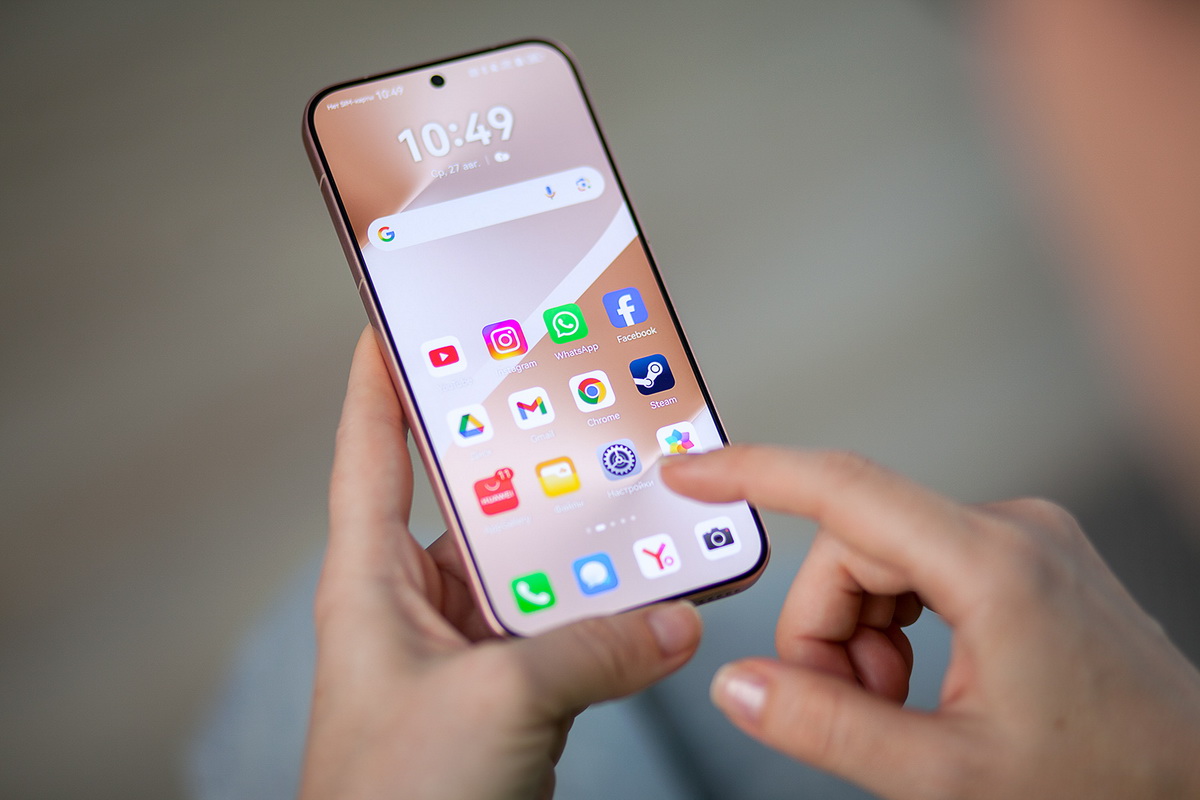
AI features are everywhere in mobile apps in 2026: writing suggestions, photo cleanups, smart replies, call summaries, search assistants, “personalized” feeds, and background recommendations that claim to save time. Some of them genuinely do. Others mainly increase data collection, add notification noise, and make your phone feel busier—more background activity, more prompts, more “helpful” pop-ups—without improving your day. The lifehack is not being anti-AI or pro-AI. It’s being selective. You keep the AI features that reduce real friction in your workflow, and you disable the features that either over-collect data, run constantly in the background, or pull you into distraction loops. The best way to decide is practical: does this feature save me time weekly, or does it mainly generate more suggestions and more tracking? Also, AI features often live in different places: app settings, system-level assistant settings, keyboard settings, photo settings, and privacy dashboards. That’s why people end up with “AI everywhere” without meaning to. A calmer setup starts with choosing a few AI tools you actually want—like smart search, spam detection, and photo organization—then tightening permissions and history options so you’re not over-sharing data. After that, you test your main workflow so you know the phone is still helpful, just less noisy.
Enable AI where it saves real time: search, spam filtering, photo organization, and writing tools you actually use
The highest-value AI features are the ones that reduce repeated manual work. Search is the biggest one. If an app or system search can find a screenshot, a receipt, a message, or a setting quickly, it saves minutes every week. Enable smart search features that operate locally or within your account context without forcing you to share more than necessary. Next is spam and fraud filtering. AI-driven spam detection in email, messaging, and calls can be genuinely valuable because it reduces risk and reduces interruption. Keep these protections on, especially for SMS spam, scam call screening, and phishing detection in browsers or mail apps. Photo organization is another area where AI is often worth it: finding people, places, objects, or documents in your gallery can be a practical time-saver, and features like duplicate detection and blurry-photo cleanup reduce storage waste. Writing tools can also be useful if you send lots of repetitive messages—short summaries, polite replies, quick rewrites—especially in work chat or email. The lifehack is enabling writing assistance only where you actually write. If you rarely use a feature, it’s just extra prompts. Keep the AI tools that support your main routine: search, safety filters, and organization. Those features tend to provide clear value without needing constant attention. If a feature makes you faster quietly, it deserves to stay.
Disable AI that increases data exposure: aggressive personalization, cross-app tracking, and always-on analysis you don’t need
The most privacy-sensitive AI features are the ones that profile you across contexts: “personalized” feeds, ad targeting systems, cross-app recommendations, and “improve suggestions by sharing usage data” toggles that often mean broader collection than people expect. The lifehack is turning off the features that rely on constant behavior tracking, especially when the benefit is vague. If an app offers an AI feed that tries to guess what you want to buy, watch, or click next, that is usually a distraction engine and a data collection engine at the same time. Disable it or reduce it if you notice it pulling your attention. Another area is cloud-based activity history. Many AI tools store interaction history to “improve results.” Sometimes that’s helpful, but it’s optional for calmer privacy in many cases. If you don’t need history, turn it off. If you do need it, prune it regularly so you’re not building a permanent record by accident. Also watch for microphone and accessibility permissions. Some “smart assistant” features request deep access to notifications, screen content, or audio. Only grant those if the value is obvious and you trust the app. A practical rule is “least privilege”: give apps the minimum access needed for the feature you actually use. If an AI feature requires broad permissions but the payoff is minor, disable it. Finally, reduce cloud syncing of AI features that you don’t need across devices. The more systems you sync, the more complex your privacy footprint becomes. The goal is not fear—it’s control: keep the features that help, and turn off the ones that mainly collect.
Calm performance and fewer distractions: limit background AI, silence suggestion spam, and test your real daily workflow

Even when privacy is acceptable, AI features can make a phone feel noisy and sluggish if they run constantly. The lifehack is limiting background AI behaviors that you don’t benefit from. Features like “proactive suggestions,” “smart tips,” and “recommendation notifications” can turn every app into a little attention machine. Disable non-essential suggestions, especially if they show up as push notifications. Suggestions should live inside the app when you want them, not interrupt you. Another step is controlling keyboard and assistant prompts. If your keyboard constantly suggests rewrites or predictive actions you don’t use, it adds visual clutter and can slow typing. Keep the assistance that improves your typing accuracy or speed, but disable features that feel like ads for the AI itself. Also review background data and battery settings for apps that do heavy AI processing. If an app drains battery or runs in the background for “analysis,” restrict its background activity unless you truly need that behavior. Then do the most important step: test your workflow. Pick three everyday tasks—searching for a file or photo, replying to messages, and handling calls or email—and make sure your setup still feels smooth. If disabling a feature breaks something you relied on, re-enable it selectively rather than turning everything back on. The best AI setup in 2026 is not “all on” or “all off.” It’s a curated set: you keep AI for search, safety, and organization, and you disable AI that profiles you unnecessarily or distracts you. When you tune it this way, your phone becomes calmer, faster, and more private—while still getting the real benefits that make AI worth having.